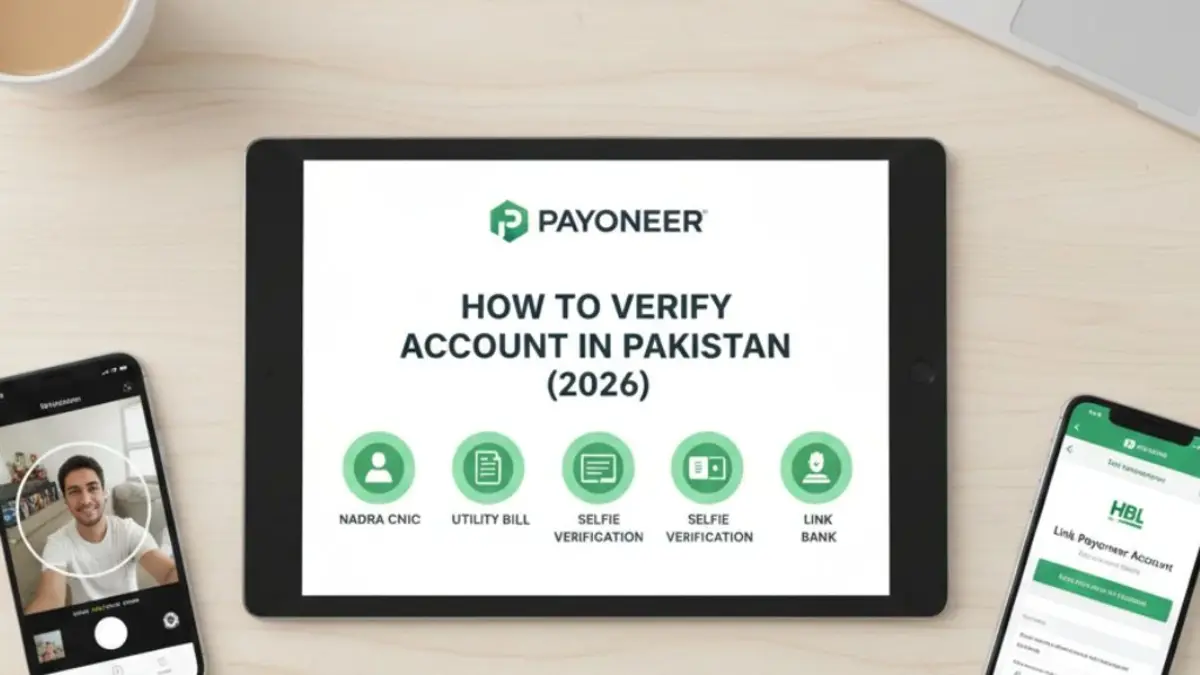
Verifying your Payoneer account in Pakistan is a must if you want smooth payments, higher transaction limits, and zero interruptions. Thankfully, the process is simple and fully online. You only need to submit a few documents through the Verification Center.
Here are five easy and reliable ways to verify your Payoneer account in Pakistan, explained in simple steps.
1. Verify Payoneer Account Using NADRA CNIC
The easiest and most common method is using your Pakistani CNIC.
What to do:
Upload a clear color photo or scan of your CNIC (front and back).
Important tips:
Make sure all four corners are visible. Do not crop the image. You need to make sure the text is sharp and readable. Also, your CNIC name and date of birth must exactly match your Payoneer profile.
This step usually clears identity verification quickly.
2. Submit a Utility Bill or Bank Statement
Payoneer also asks for proof of address.
What to upload:
A recent electricity, gas, or water bill from the last 3–6 months showing your name and address.
Alternative:
If you do not have a utility bill in your own name, upload a bank statement with your address. While bills in a parent’s or spouse’s name may work, using your own document minimizes rejection risk.
3. Use Visual Identity Verification (Selfie + ID)
Payoneer often offers Visual Identity Verification using AI.
How it works:
You take a selfie and scan your CNIC using your smartphone camera.
Why this helps:
This method verifies your identity faster. Many users get approval within 3 business days.
Tip:
Use good lighting. Avoid flash and blurry images.
Read more: Top 10 Apps Every Pakistani Freelancer Must Use in 2026
4. Link a Local Pakistani Bank Account
Linking your bank account supports verification and enables withdrawals.
Steps:
Go to Settings → Bank Accounts → Add Bank Account and enter your details.
Key rule:
The bank account name must match your Payoneer name exactly.
Bonus tip:
If you use HBL, you can connect Payoneer directly through the HBL mobile app for faster verification and instant withdrawals.
5. Complete the Global Payment Service Questionnaire
Payoneer wants to understand your work.
What to do:
You need to fill out the business questionnaire in the Verification Center.
Tip:
Share your Fiverr, Upwork, or freelance website link. If you don’t have one, clearly describe your services and clients.
Important Tips for Faster Verification in Pakistan
• Check the Verification Center regularly. Do not wait for emails.
• Upload both sides of your CNIC.
• Avoid expired documents.
• Never create multiple Payoneer accounts.
Final Word
If you follow these steps carefully, you can verify your Payoneer account in Pakistan smoothly and unlock worry-free international payments.