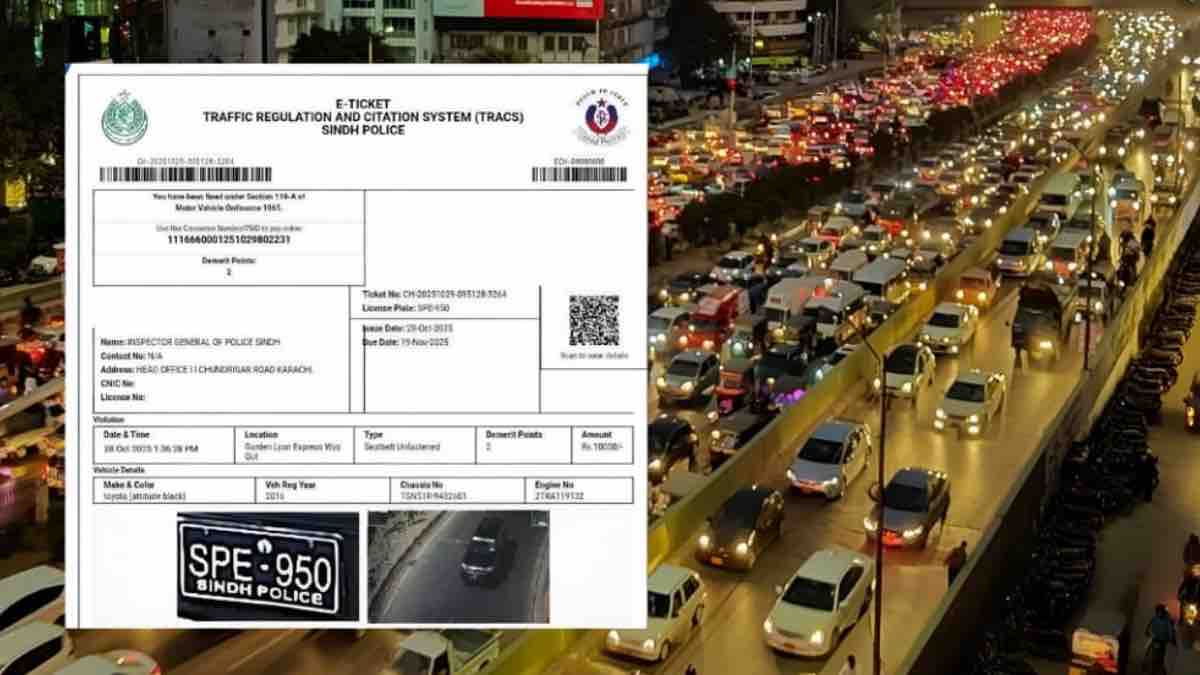
Checking traffic e-challans in Pakistan is no longer a stressful or confusing task. Thanks to Safe City projects and digitization by provincial governments, motorists can now check violations online or through mobile apps within minutes. Whether you live in Punjab or Sindh, here’s a simple, updated guide to help you stay informed and avoid unnecessary fines.
Checking E-Challans in Punjab
In Punjab, the Punjab Safe Cities Authority (PSCA) manages the e-challan system for major cities including Lahore, Rawalpindi, Multan, Faisalabad, and Gujranwala.
Option 1: PSCA Online Portal (Fast & Reliable)
The easiest way is through the official PSCA e-challan website.
- Visit the PSCA e-challan portal
- Enter your vehicle registration number (for example: LEA-1234)
- Enter the 13-digit CNIC of the registered owner
- Complete the CAPTCHA and click Search
If your vehicle has any pending challans, the system will display complete details, including the violation date, location, type of offense, and fine amount. You can also download or print the challan directly.
Option 2: PSCA Mobile App
Punjab residents can also use the “PSCA – Public Safety” mobile app.
- Download the app from Google Play Store or Apple App Store
- Open the e-challan section
- Enter your vehicle number and CNIC
This method is especially useful for checking challans on the go.
Read more: Karachi rolls out smart signals, e-challan system and bike lanes as part of major traffic reforms
Checking E-Challans in Sindh (Karachi & Other Cities)
Sindh has introduced a Faceless E-Ticketing System, mainly active in Karachi, to improve transparency and enforcement.
Option 1: Sindh Police E-Challan Website
- Visit the official Sindh Police challan portal
- Enter your vehicle registration number
- CNIC is optional but helps fetch accurate records
You’ll be able to see both paid and unpaid challans linked to your vehicle.
Option 2: TRACS Citizen App
The TRACS Citizen App by Sindh Police provides real-time access to traffic violations.
- Register using your mobile number
- Use the “Check Challan” feature
- View violation photos and ticket details
How to Pay Your E-Challan
After checking your challan, you’ll receive a PSID (Payment Slip ID). You can pay easily through:
- Mobile apps like JazzCash, Easypaisa, or bank apps
- Any ATM using the PSID
- Physical branches of Bank of Punjab or National Bank of Pakistan
Important Reminder
Always transfer vehicle ownership immediately after selling a car or bike. E-challans are issued to the registered owner, regardless of who was driving.
Staying updated on your e-challans helps you avoid penalties, legal issues, and delays during vehicle verification or resale.